
AI used: Grammarly for spell check
In the new one, I added a few elements that were missing, such as time and contact information. I wanted to simplify things by getting rid of bright colors, random text that is angled, and condensing information that is on the slide. I wanted to make it more appealing by changing the colors of the poster from neon teals of the turkey and food and made it more muted colors with a more visible contrast. I limited it to a simple color palette and 2 fonts (I did utilize bold lettering in the one font). I spaced words out in specific areas to be able to read it and did not use full capitalization in words for readability for dyslexia accommodation.
I wanted to communicate in the new one specifically what the event is and who is involved. I used a technique from the reading explained as, “text hierarchy, this is accomplished through size” (Gordon, 2025). I did this by using the large red for the title, slightly smaller for information that is important, and then used smaller text for notes, and if it was still important but not crucial, I bolded it.
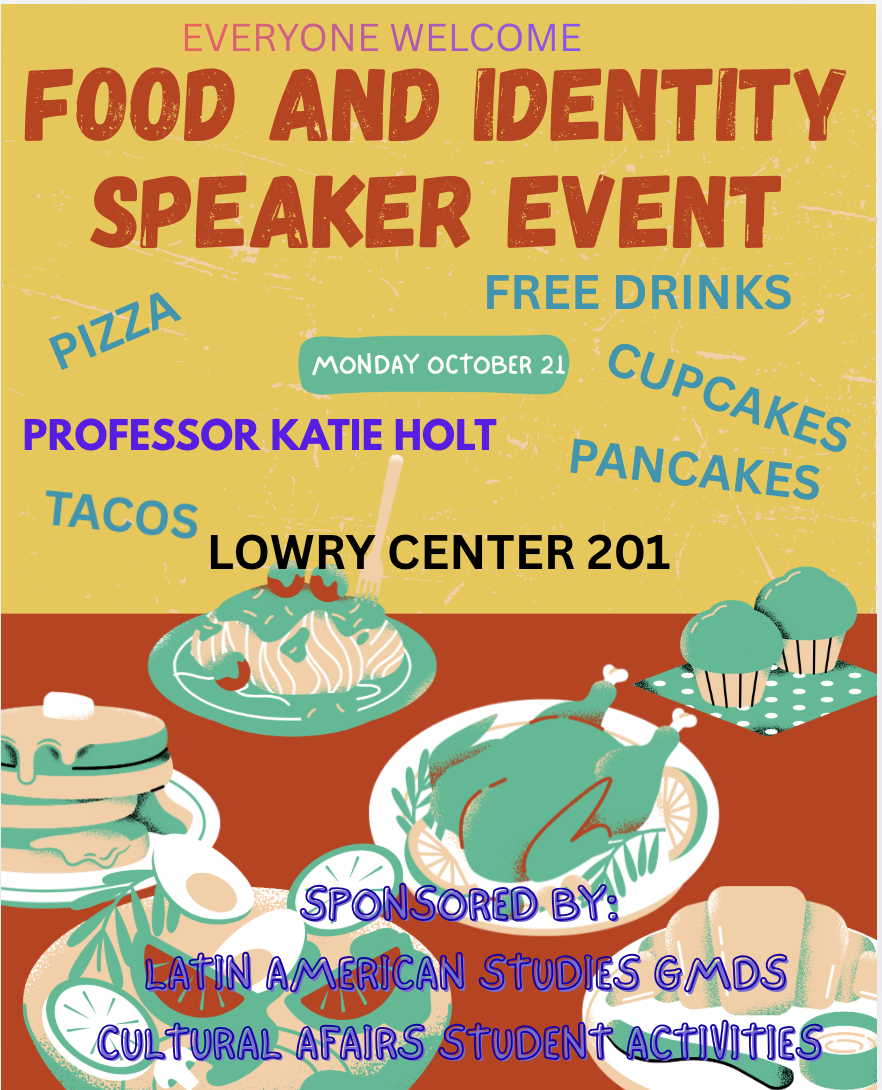
Deliberately bad poster by: Professor Holt
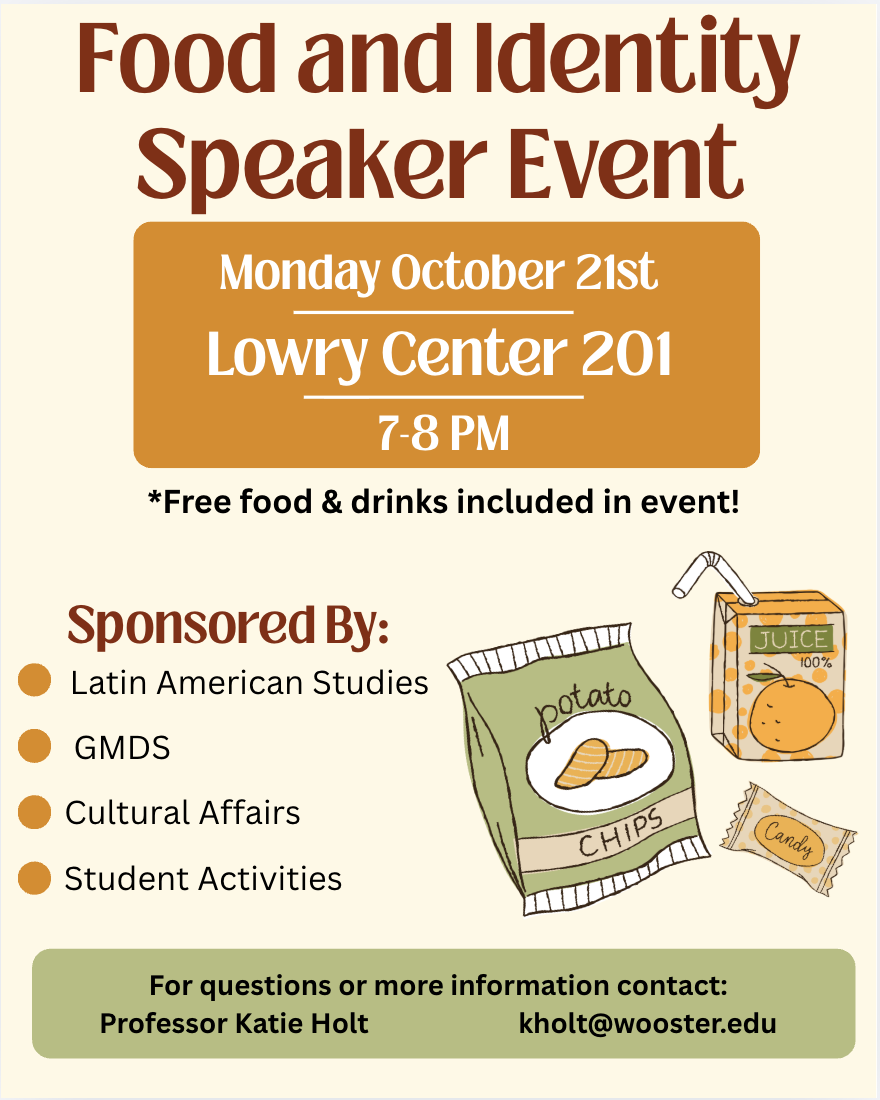
A little bit better poster by: Gracyn Zerby
An obstacle was Pierce, and not being able to use pro features, so I was limited to my design. I see links to class discussion through the accessibility notes, such as color choice and sizing. I also thought about alignment as we mentioned in the last class. It helps with organizing the slide. I did this by keeping the time, date, and location together in an area and then the sponsors in another. I kept all of my graphics in one area as well to keep visuals calm.
Gordon, K.(2025). Good Visual Design, Explained. https://www.nngroup.com/articles/good-visual-design
I like the coloration, did you choose based off the images?