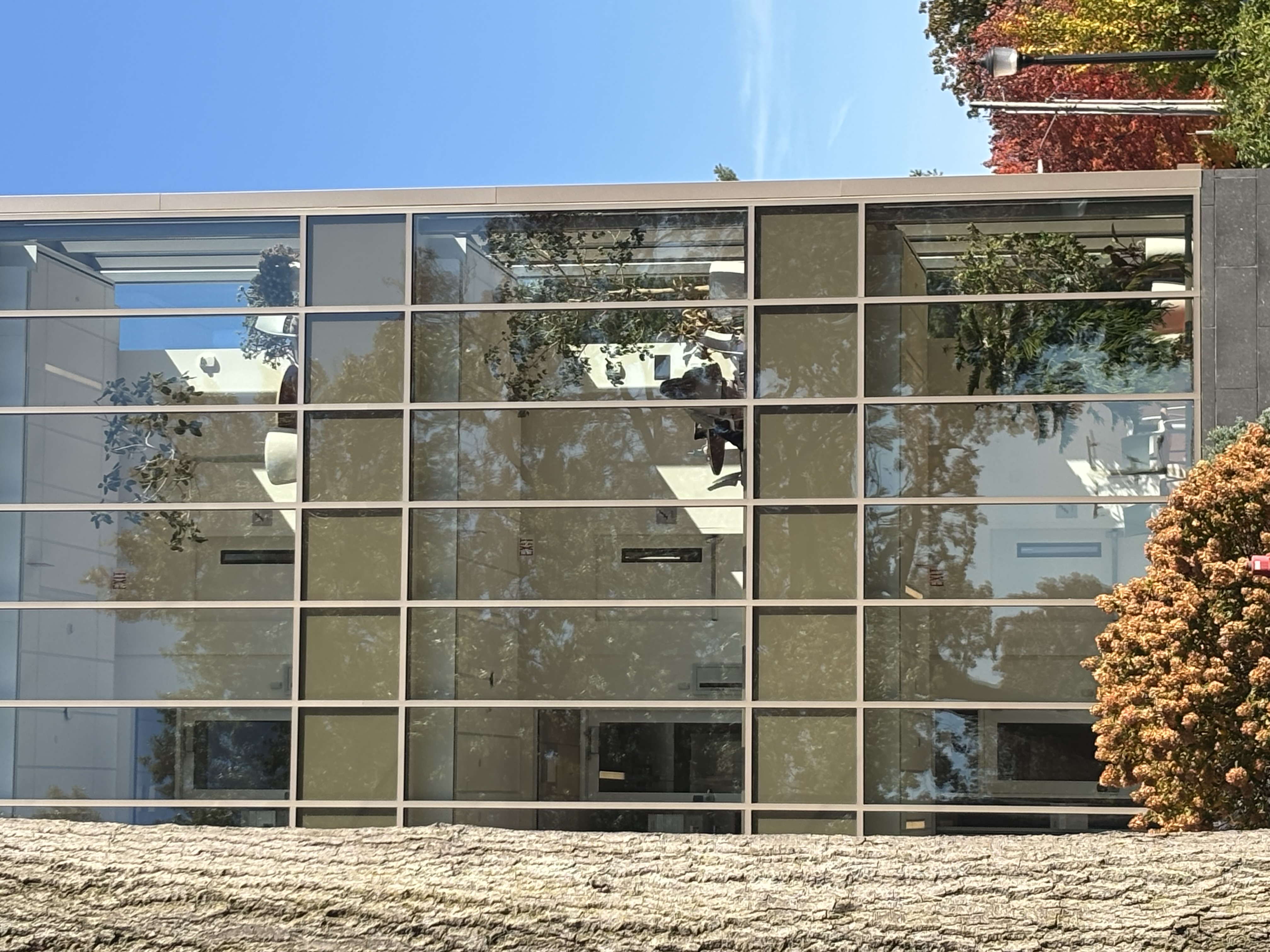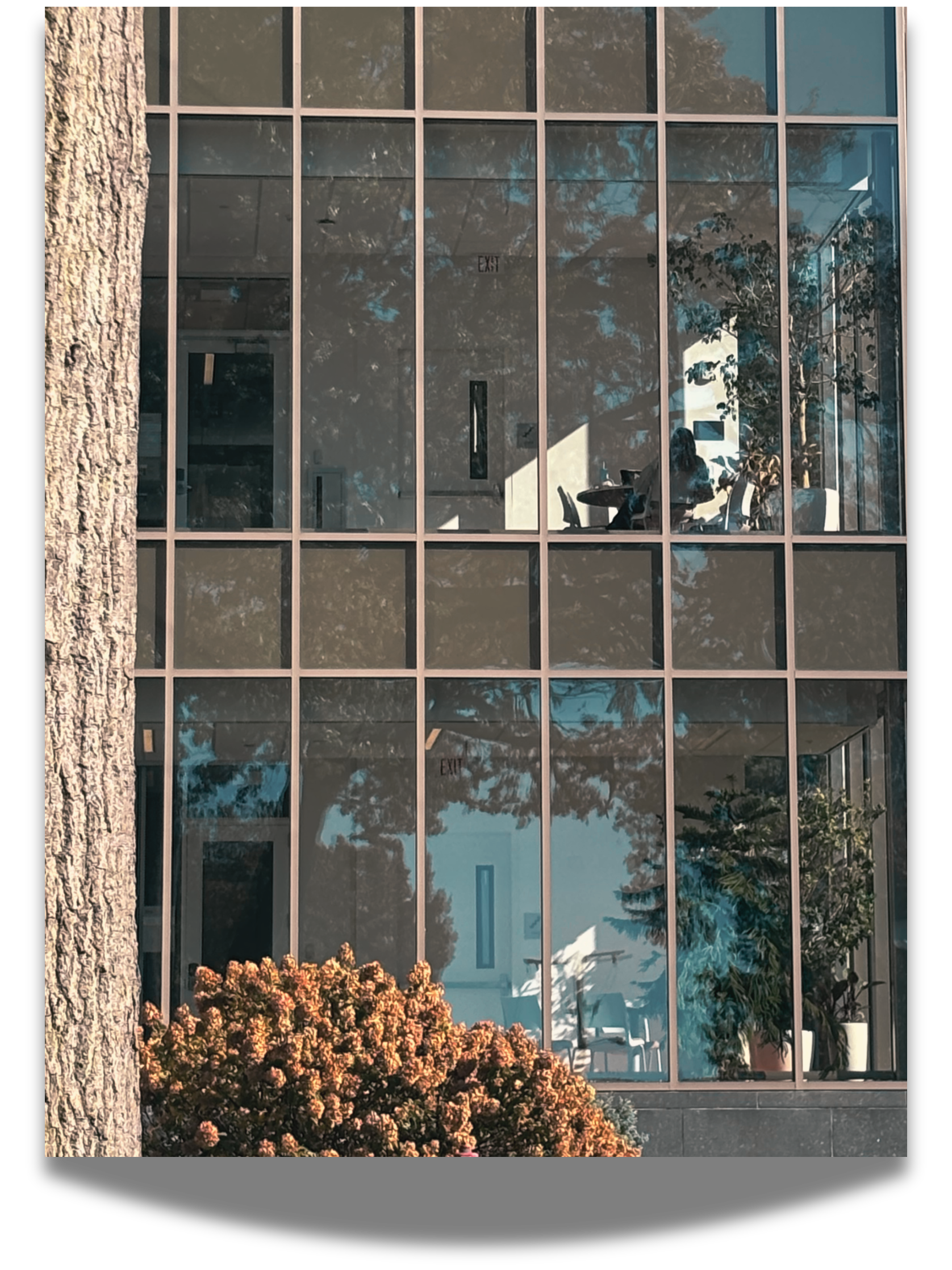
My inital photo is a photo of Ruth W. Williams. It’s essential that it be a photo of the exterior view of the three floors. I took this photo; I was going for a journalistic-style photo because this was a type photo that I imagine that would be in a magazine. When I was editing my first version of my photo, I wanted the photo to make it look like it was taken in the mid 2000s. First, when using this photo editor in Canva I applied the theme ” Cool on my photo and I chose astro we the actual template. Then I increased the intensity of the photo to (85), and I cropped the photo to two windows instead of three. The font for the cropped photo(3:4), and I went to the Elements tab and edited the tree in my photo to a brightness of(13).
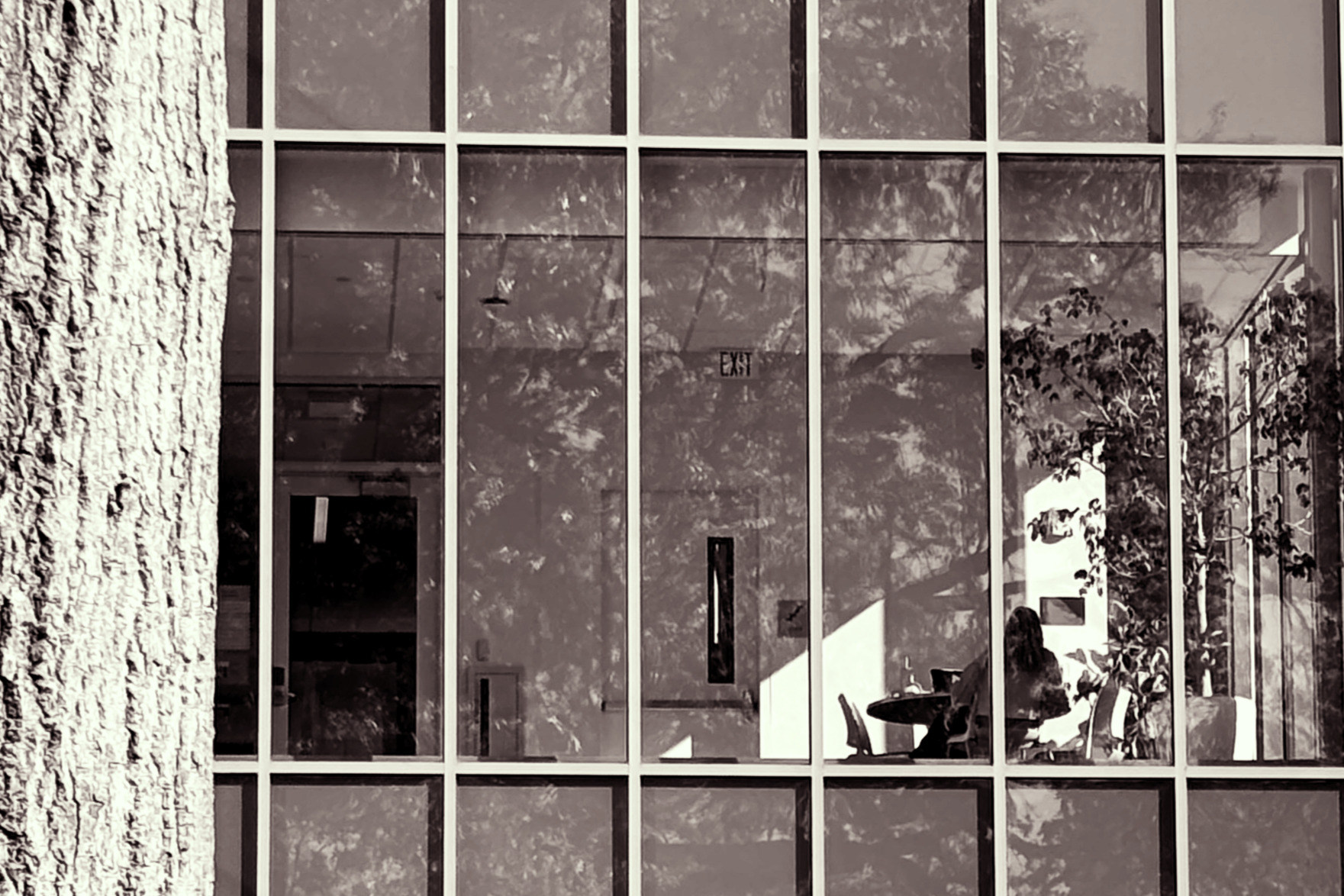
The second version of my photo was going for a more 1960s aesthetic. I started by applying the Classic theme to the photo, then made manual adjustments: I set the brightness to 1, contrast to 65, highlights to 46, blacks to 46, and saturation to 15. Finally, I cropped the image to a 3:2 aspect ratio. I edit this in such manner to give the photo are very older lool like times before we could see color in the photo. I was very intentional with the cropping. Cropping it to 3:2 makes it feel as if whoever is taking this photo is trying to focus on the person in the building.